Physical Address
304 North Cardinal St.
Dorchester Center, MA 02124
Physical Address
304 North Cardinal St.
Dorchester Center, MA 02124

Private vs public social media is not a simple “one is safe, one is dangerous” question. In reality, both options come with trade-offs. A public profile can increase exposure, while a private profile can create a false sense of safety.
The best approach depends on what you use social media for, what you share, and how much digital footprint or OSINT exposure you are willing to accept. In this guide, you’ll learn the real differences between private vs public social media, what risks matter most, and how to choose the safest setup without killing your online life.
Social media has changed.
A few years ago, privacy was mostly about “who sees your photos.” Now it is also about:
Because of that, privacy settings alone are not enough.
However, they still matter.
A public profile usually means:
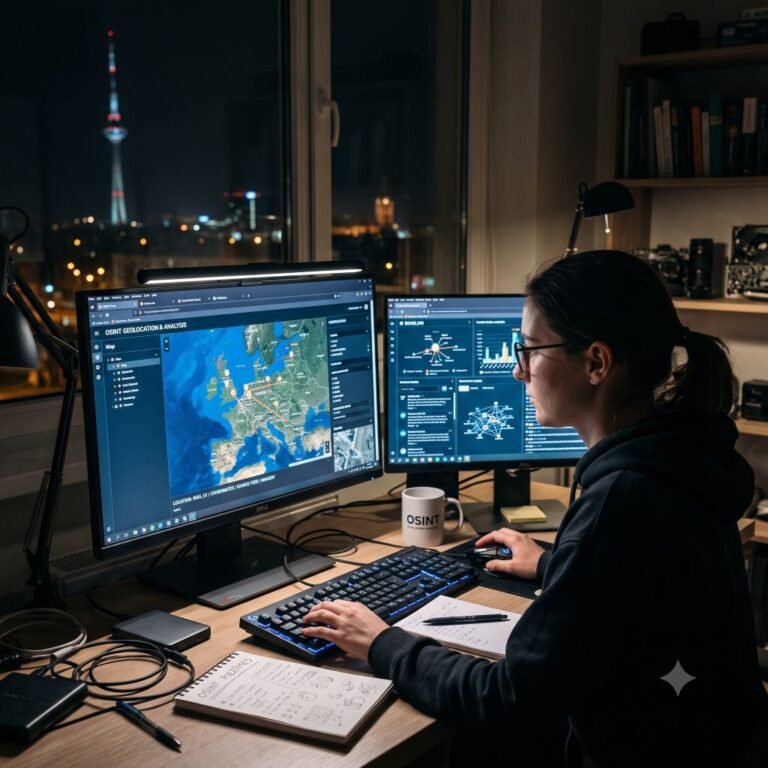
Even if you are not famous, a public profile makes your digital footprint much larger and easier to analyse through social media OSINT techniques.
A private profile usually means:
This reduces exposure. However, it does not eliminate risk.
A private profile is still vulnerable to:
That is why private vs public social media is not a complete safety solution.
Private helps. However, many people use privacy settings like a security blanket.
The real risk often comes from:
These patterns and behavioural signals are exactly the type of information criminals use when profiling social media users.
A private profile can still reveal:
If your follower list is not controlled, “private” becomes meaningless.
A public profile gives strangers direct access. A private profile blocks most of that.
This is the most obvious advantage of private profiles.
A public profile doesn’t need fake followers. Strangers already see everything.
A private profile can still be compromised if you accept unknown people.
This is common when users want growth, attention, or networking.
This is where both private and public profiles are weak.
If your friend reposts your content, or tags you publicly, your privacy settings do not matter.
That’s why social media privacy is also about the people around you.
Both private and public profiles can be screenshotted.
Stories can be recorded, reposted or shared outside your intended audience — even inside close friends circles.
Nothing truly disappears.
Therefore, privacy is not only about settings. It is also about content choices.
A public profile can be a good choice if you:
For example, a photographer can have a public profile without sharing personal details.
The key is separation: public content does not have to mean public life.
A private profile is often safer if you:
For most “normal people,” private is the better default.
The safest approach is often a combination.
For example:
This way, you can:
Many creators do this for a reason.
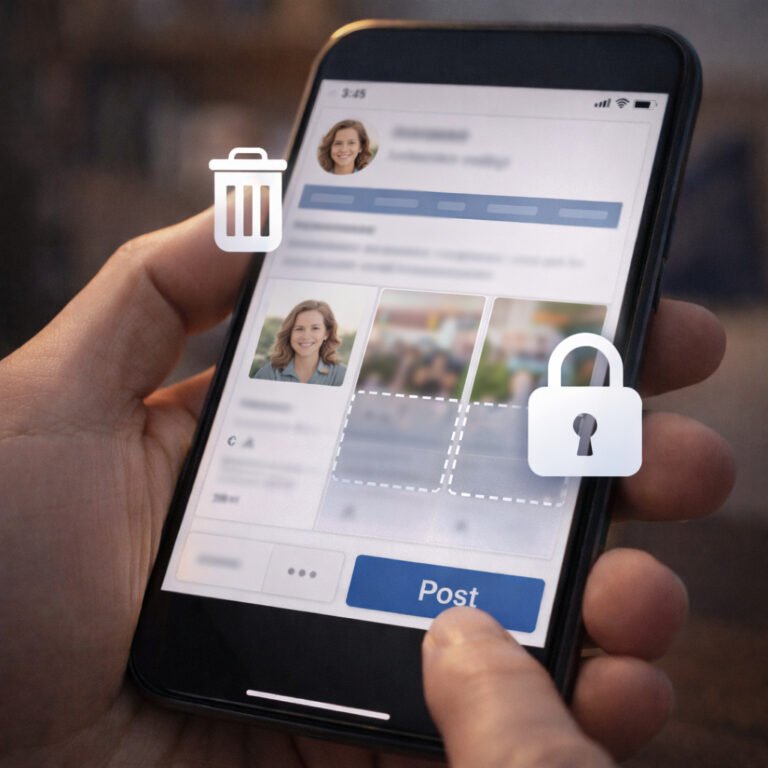
If you want a public profile, the key is to remove high-risk data.
A safer public profile includes:
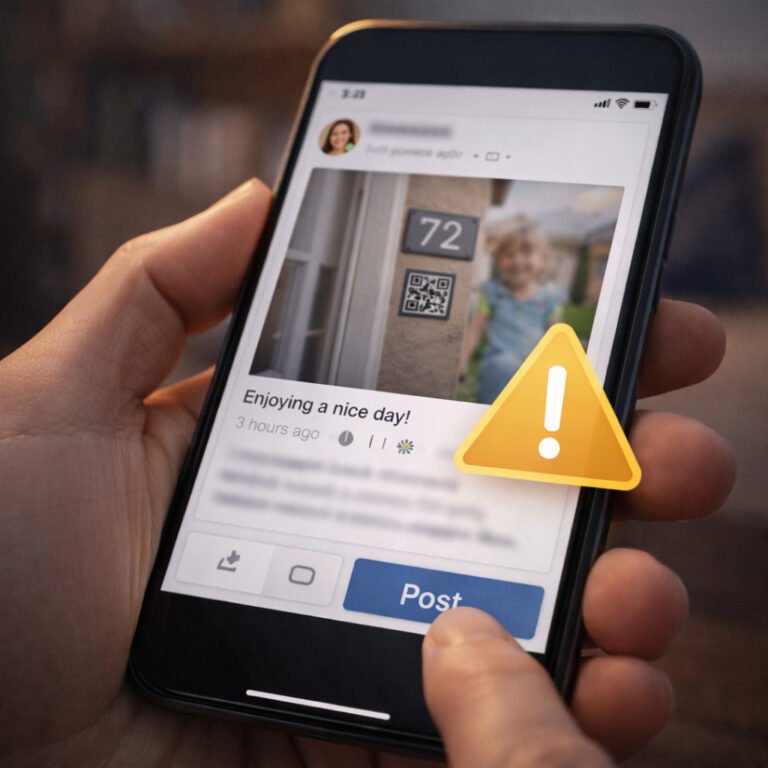
Many users underestimate how much personal information can be exposed through seemingly harmless posts, photos, and routines shared online.
In other words, make the content public, not the life.
Private profiles are not automatically safe.
To make a private profile safer:
Also, consider limiting who can:
Small settings matter.
LinkedIn is a special case.
LinkedIn is designed to be searchable. Therefore, a “private LinkedIn” is almost impossible.
Instead of private vs public, LinkedIn safety is about:
If you want to use LinkedIn safely, think of it as a public database.
If your social media includes:
Children’s content deserves extra caution because kids cannot control their long-term digital footprint once images spread online.
Keep it private.
If your social media is mostly:
a public profile can work — as long as it stays low-detail.
Private vs public social media is not about being paranoid. It is about choosing your level of exposure.
A public profile increases reach, but it also increases risk.
A private profile reduces exposure, but it can also create false confidence when people believe they have nothing to hide online.
The safest approach is simple:
That is modern digital footprint control.
If you are unsure what to choose, start with this:
Make your personal profile private for 30 days.
During that time, clean up your bio, review your followers, and remove routine posts. After that, you can decide if public exposure is truly worth it.