Physical Address
304 North Cardinal St.
Dorchester Center, MA 02124
Physical Address
304 North Cardinal St.
Dorchester Center, MA 02124

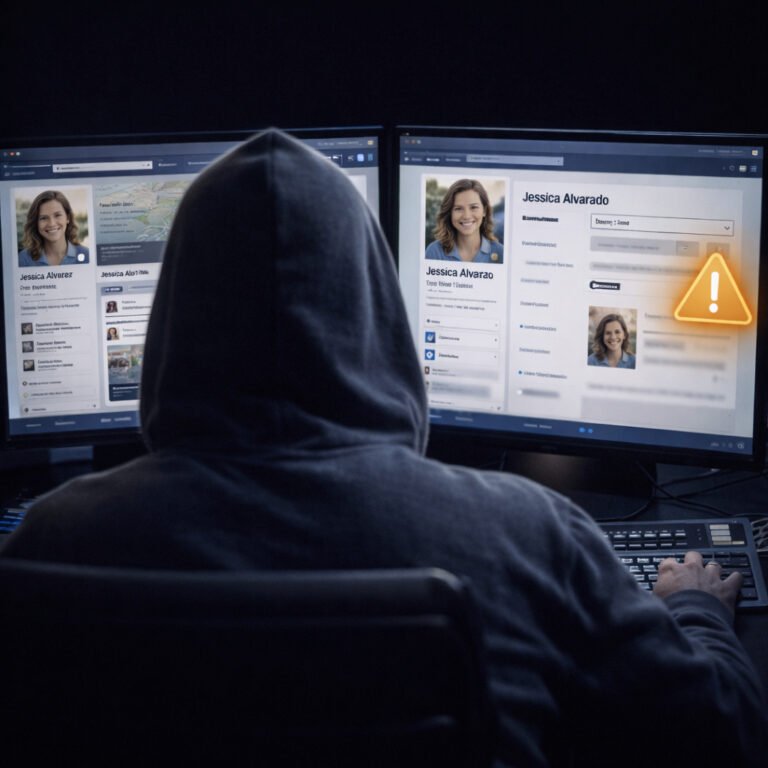
How to use LinkedIn safely is a question more people should ask. LinkedIn is not just a “career platform” anymore — it is also one of the biggest OSINT databases on the internet. While Instagram and Facebook reveal your lifestyle, LinkedIn reveals something else: your identity, your workplace, your professional network, and your credibility.
The problem is simple. Most people build their LinkedIn profiles to look impressive, not to be safe. As a result, they accidentally publish enough information for scammers, stalkers, and social engineers to create a full profile of their real life.
In this guide, you’ll learn how to use LinkedIn safely, what information is risky, and how to keep your profile professional without exposing your digital footprint.
Instagram and Facebook usually reveal:
LinkedIn reveals:
That is why LinkedIn is so valuable for OSINT digital footprint research.
If someone wants to impersonate you, target your company, or build a believable scam, LinkedIn is often the first stop.
Many people imagine LinkedIn threats as “hacking.”
In reality, most attacks are based on information and trust.
Here are the most common ways criminals use LinkedIn.
LinkedIn is a perfect place for job scams because:
A fake recruiter can:
Even if you are not looking for a job, you can still be targeted.
LinkedIn is also a goldmine for business email compromise and workplace phishing.
If a scammer knows:
they can craft messages that feel realistic.
For example:
This is one of the reasons why LinkedIn can increase risk not only for individuals, but also for companies.
LinkedIn makes impersonation easy because profiles often contain:
A criminal can copy your identity and create:
In addition, AI tools make profile cloning faster than ever.
This is less discussed, but it happens.
LinkedIn can reveal:
For someone with unhealthy intentions, this is enough to locate you in real life.
That’s why knowing how to use LinkedIn safely matters even if you are not a public person.
Many people list:
It looks professional. However, it also builds a perfect identity profile.
A full timeline can help criminals answer:
Even worse, the timeline can be used for password guessing and account recovery attacks.
Many password reset questions are based on:
LinkedIn gives those answers away.
The goal is not to hide your career.
The goal is to remove unnecessary precision.
A safe LinkedIn profile should be:
A professional photo is fine. However, avoid:
Also, avoid using the same photo everywhere.
If the same photo is on LinkedIn, Facebook, Instagram, and dating apps, it becomes much easier to connect your identities.
Your headline is one of the first things people see.
A safe headline focuses on:
For example:
Avoid headlines that reveal sensitive details, such as:
That kind of detail is not useful for networking, but it is useful for attackers.
In many industries, showing your current employer is normal.
However, some people should consider limiting it, especially if they work in:
A safer approach is to list:
without making your employer the center of your identity.
Even small changes can reduce risk.
This is one of the most important LinkedIn safety habits.
Avoid publishing:
Scammers love direct contact information.
Instead, keep communication inside LinkedIn until you trust the person.
LinkedIn encourages growth. However, not every connection is safe.
A suspicious connection request often has:
Accepting random connections increases your OSINT exposure.
More importantly, it makes your network visible to strangers.
Many people don’t realize that LinkedIn connections can be used as an attack map.
If your connections are visible, a scammer can:
This is how criminals build targeted phishing campaigns.
If you want to know how to use LinkedIn safely, hiding your connections is one of the biggest wins.
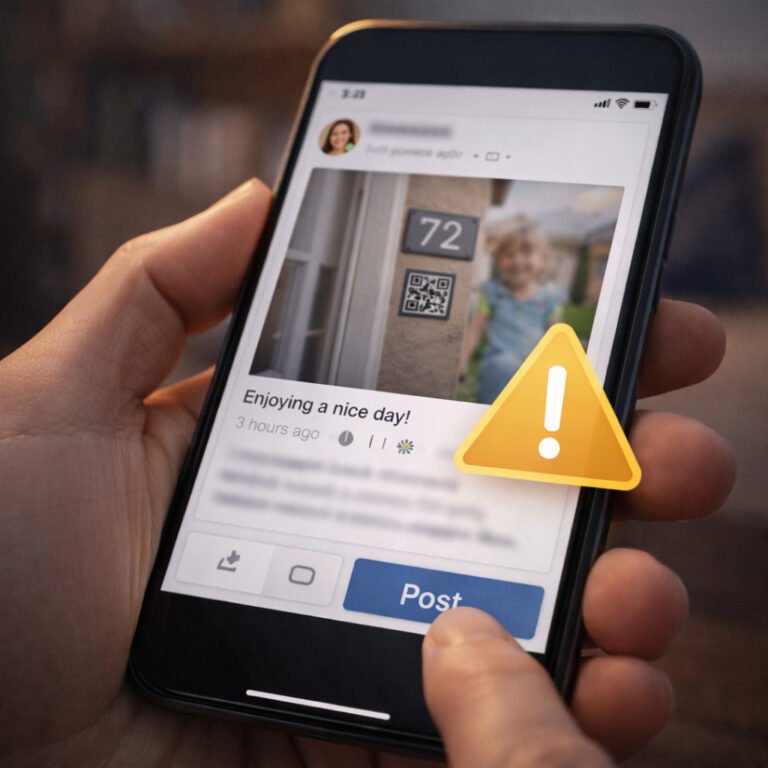
Some LinkedIn content is harmless. However, avoid posts that reveal:
Even if you don’t share “secrets,” small details can be combined.
That is how OSINT works.
People love to share certificates. Unfortunately, certificates often contain:
Those details can be used for impersonation.
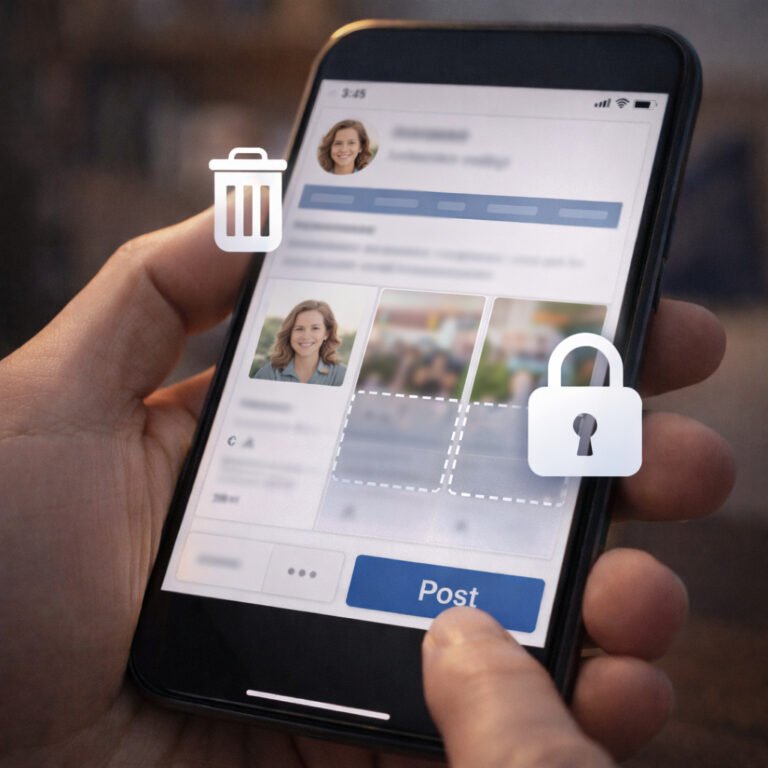
If you want to share a certificate, crop it carefully.
LinkedIn has privacy settings that many people never touch.
A safer profile usually includes:
Even small adjustments reduce your footprint.
This is the most important point.
LinkedIn is not your CV.
It is not your diary.
It is a public identity database designed to make people searchable.
Therefore, a safe approach is:
The goal is not to disappear.
The goal is to stay in control.
If you want to check your exposure, review your profile and ask:
If the answer is “yes” to several, your OSINT footprint is bigger than you think.
Learning how to use LinkedIn safely is not about fear. It is about realism.
LinkedIn is one of the most powerful tools for networking and career growth. At the same time, it is one of the most powerful tools for criminals who rely on trust, impersonation, and social engineering.
A safe LinkedIn profile is not empty.
It is simply less precise.
If you want to reduce your LinkedIn exposure today, start with three changes:
These steps alone will make you significantly harder to target.