Physical Address
304 North Cardinal St.
Dorchester Center, MA 02124
Physical Address
304 North Cardinal St.
Dorchester Center, MA 02124

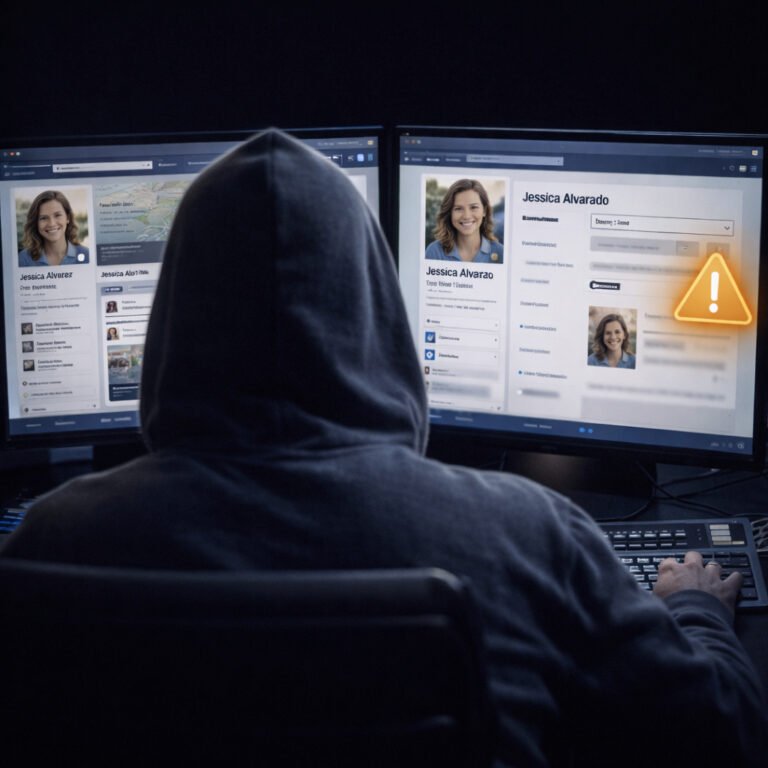
The phrase image OSINT may sound like something only investigators or cyber experts deal with, yet the reality is far more personal. Every photo you share — whether it’s a holiday snapshot, a gym selfie or a picture of your pet on the couch — reveals information about your life. Because images contain layers of hidden and visible data, they often reveal more about you than text ever could. As a result, cybercriminals increasingly rely on image OSINT to understand your habits, lifestyle, location and behaviour without interacting with you directly.
Although photos feel harmless, they create a continuous trail of clues. Every object, shadow, background detail or reflection can act as a small piece of a larger puzzle. When several photos are analysed together, the puzzle becomes surprisingly complete. Understanding this process is essential if you want to control how much of your private life appears online.
This guide explains what attackers look for, how they interpret visual details and what you can do to minimise your exposure.
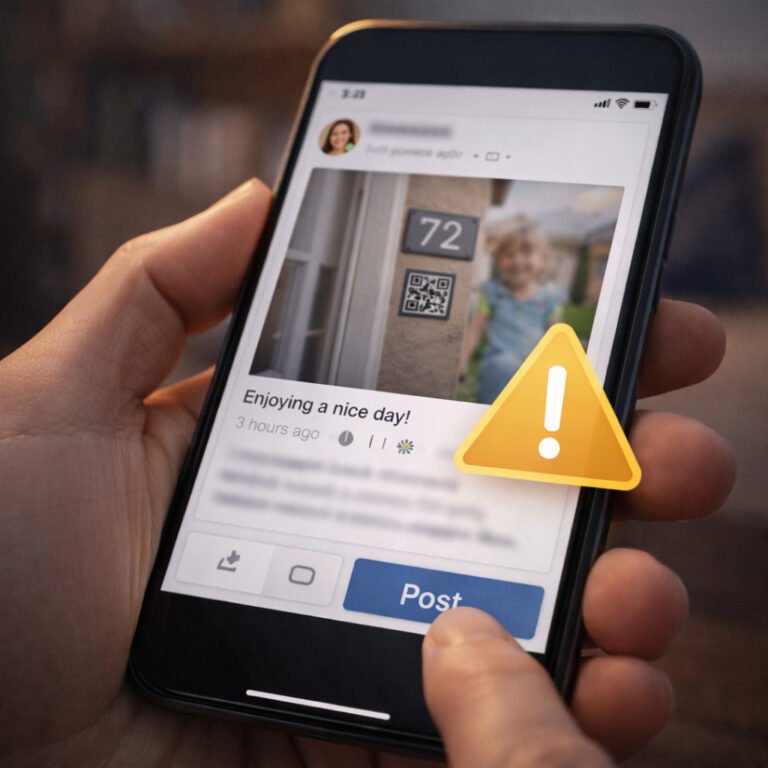
Images offer an advantage that text cannot match: they show reality without filters. Even if someone hides certain details in captions or avoids sharing sensitive information intentionally, objects in the background still reveal context. Because cameras capture everything in frame — even what the photographer didn’t notice — attackers analyse photos frame by frame to find patterns.
Moreover, photos remain online longer than people expect. Old posts, forgotten albums, screenshots from friends and cached copies continue circulating, providing attackers with material even after the original upload disappears. Consequently, criminals view photos as the most reliable type of OSINT because they rarely require interpretation — the evidence is visible.
Image OSINT includes several categories of clues. When combined, they create a detailed understanding of who you are, where you live and what your routine looks like.
Even without geotags, photos can reveal where you are. Attackers look for:
These clues help determine your general area. When multiple photos show the same patterns, criminals can pinpoint exact locations or even specific neighbourhoods.
Homes reveal a lot about lifestyle, income, habits and personal circumstances. Attackers analyse:
For example, the room layout can reveal the exact apartment type in a residential complex. Likewise, a visible router model can suggest network vulnerabilities.
Many people never notice reflections until it’s too late. Attackers look at:
Reflections can expose who else is present, show a computer screen or reveal a licence plate behind the photographer.
If a monitor appears in the background, attackers try to:
Even blurred screens provide hints, such as the colour scheme of corporate tools or icons indicating specific applications.
Uniforms, ID badges, work lanyards, branded clothing and conference passes can reveal employment or industry. Criminals use these details to craft highly convincing spear-phishing emails.
Additionally, jewellery, watches and branded items hint at financial status — something scammers target explicitly.
Friends, family or colleagues appearing in the background expand the attacker’s social graph. Each person provides additional clues through facial features, uniforms, accessories or familiar surroundings.
Vehicles reveal:
Even small details like rain droplets or lighting patterns help attackers understand the time of day and weather, confirming routine habits.
Pets may seem harmless, yet they often appear in passwords or security questions. Attackers check for:
The same logic applies to unique items like musical instruments, gym equipment or rare collectibles.
Photos often contain metadata that adds another level of exposure. Although many platforms strip EXIF data, it still appears in:
Metadata may include:
Because this data can be precise, attackers combine metadata with visible OSINT to create even stronger conclusions.
A single photo provides hints, yet consecutive photos create a pattern. Attackers often:
When multiple posts appear across several months or years, the pattern becomes extremely reliable. Because each image is a puzzle piece, attackers can reconstruct entire sections of someone’s life.
Image OSINT can support various forms of cybercrime:
Attackers look for real-time travel posts. When they know you’re abroad, they check earlier photos for your home layout.
A simple photo of your workstation can reveal:
Attackers use this to impersonate colleagues or managers.
Repeating the same walking route in multiple posts creates predictable patterns. Criminals use these paths to track movement.
Visible ID numbers, envelopes, tickets or documents in the background can be extracted and used maliciously.
Although attackers rarely have real compromising material, they build credible threats using OSINT from images — enough to convince frightened victims.
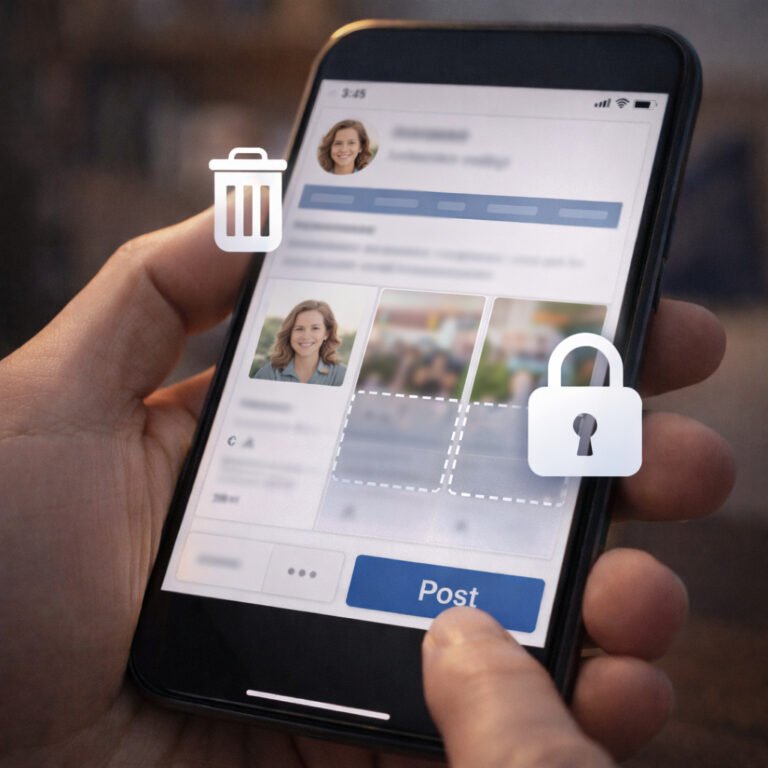
Fortunately, several practical habits significantly reduce risk without making your profile empty or boring.
Delay by several hours or days. This breaks the correlation between your photos and your physical location.
Before posting, scan images for:
A quick review prevents accidental leaks.
Avoid showing full room views, entrances or windows. Close curtains if possible.
Use simple editing tools to hide:
If every Monday looks the same, attackers map your habits easily.
Sometimes the riskiest OSINT is in posts from 5–10 years ago. Clean up outdated public photos.
Image OSINT shows how much information your photos reveal without your awareness. While text can be filtered or carefully written, images expose your environment, routine, location and identity with remarkable clarity. Cybercriminals rely on these visual clues to plan attacks that feel personal and convincing.
By understanding what attackers look for, you can adjust your posting habits and protect yourself without abandoning social media altogether. Awareness, not paranoia, is the key to controlling your digital exposure.