Physical Address
304 North Cardinal St.
Dorchester Center, MA 02124
Physical Address
304 North Cardinal St.
Dorchester Center, MA 02124

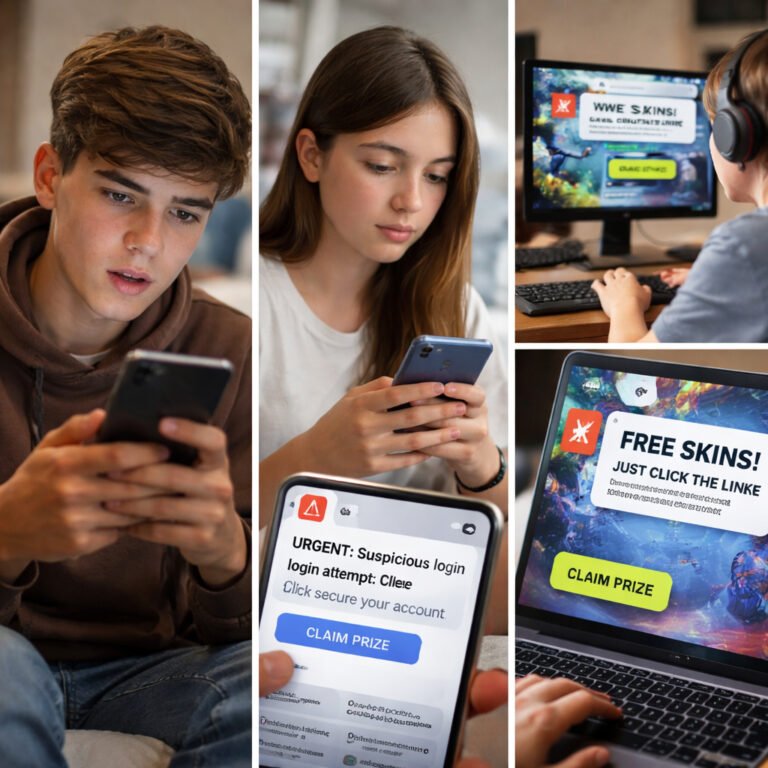
Phishing is one of the oldest tricks in the cybercriminal playbook — and still one of the most successful. The idea is simple: a scammer pretends to be someone you trust (your bank, Netflix, or even your boss) to make you click a link, share your password, or open a malicious file.
They’re not “hacking” your system. They’re hacking you.
And that’s why phishing remains such a powerful weapon: because people, not computers, are the weakest link.
A typical phishing message plays on emotion and urgency. You might see:
Once you click, a few things can happen:
The designs are getting incredibly convincing — fake websites now look 99% identical to the real ones, and even the URL can be subtly spoofed (e.g., facebo0k.com instead of facebook.com).
Cybercriminals are masters of manipulation.
They use three psychological triggers:
Even seasoned IT pros sometimes fall for these tricks, especially when multitasking or under stress.
Here are red flags to always check:
Before clicking, pause and verify — open the site directly in your browser instead of using a link.
And remember: if something feels “off,” it probably is. Your gut is often your best cybersecurity tool.
A user gets an email from “Microsoft Support” saying:
“Your Office 365 subscription will expire in 12 hours. Click to renew.”
The page looks authentic. The user enters their credentials… and within minutes, their entire email account is compromised — including saved passwords, invoices, and confidential files.
That’s how quickly a single click can open the door to identity theft or corporate breaches.
Phishing isn’t about technology — it’s about trust.
Scammers exploit your habits, emotions, and distractions. The best defense isn’t paranoia — it’s awareness.
So next time a message demands quick action, slow down and think. Your caution might just save your digital life.