Physical Address
304 North Cardinal St.
Dorchester Center, MA 02124
Physical Address
304 North Cardinal St.
Dorchester Center, MA 02124

Phishing remains one of the most widespread cyber threats, and it continues to succeed because it targets human behaviour rather than technology. Although security tools have improved over the years, phishing still works because attackers exploit emotions like urgency, fear, curiosity and trust. In this guide, you’ll learn what phishing really is, why it stays so effective and how you can protect yourself in a digital environment full of distractions. This article also serves as the introduction to our broader phishing series, where each attack type is analysed in detail.
Phishing is a social engineering attack that attempts to trick people into taking harmful actions — such as entering passwords, downloading malicious files or revealing personal data. Instead of breaking systems, attackers manipulate individuals. Because this approach bypasses even strong technical controls, phishing remains one of the top causes of security incidents globally.
Moreover, phishing has evolved significantly. Attackers now use realistic branding, personalised messages, cloned websites, SMS campaigns, voice calls and manipulated QR codes. As a result, phishing is no longer just a poorly written email. It is a flexible attack technique that adapts to how we live and communicate online.
Additionally, attackers benefit from the fact that people receive overwhelming amounts of digital communication every day. When you are tired, distracted or multitasking, even a seemingly obvious phishing attempt can slip through unnoticed. This blend of social pressure, digital overload and sophisticated deception explains why phishing is still so dangerous.
Phishing exploits predictable human reactions. Understanding these triggers helps people recognise attacks more quickly.
Attackers often create artificial deadlines to push people into reacting without thinking. Examples include:
Messages pretending to come from banks, HR, IT support or management usually bypass suspicion. When people believe a message originates from a trusted authority, they often comply immediately.
Subject lines like “You have a new message,” “Delivery issue,” or “Important document attached” push users to click impulsively. Such messages seem harmless at first glance, which is why people open them automatically.
Targeted phishing attacks often rely on publicly available information to appear legitimate. Attackers may reference names, job roles, colleagues, internal projects or recent events to increase credibility and reduce suspicion.
Below is an overview of the main phishing categories covered in this series. Each type uses different techniques, but all rely on manipulating trust.
Classic phishing delivered via email: malicious links, fake login pages, spoofed senders and cloned messages. A detailed breakdown is available in Email Phishing Explained: How to Recognize and Avoid the Most Common Cyber Threat.
Highly targeted attacks against specific individuals or executives, often using OSINT data and insider knowledge. These attacks are explored in depth in Spear Phishing and Whaling: Why Targeted Attacks Are More Dangerous Than Ever.
Financially damaging attacks involving payment redirection, invoice fraud or compromised executive accounts. Analysed in Business Email Compromise: How Modern Criminals Hijack Corporate Trust.
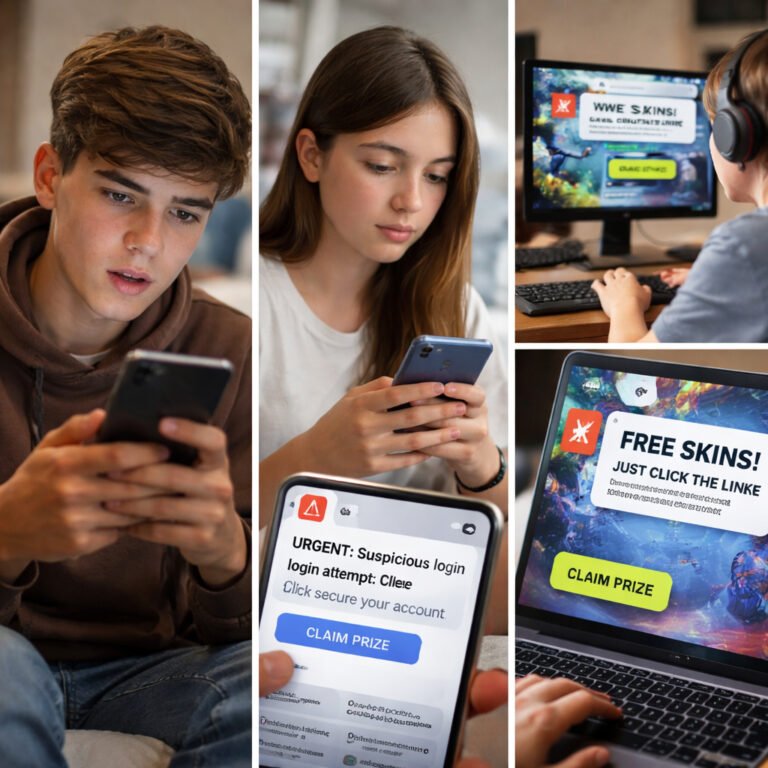
Phishing through SMS messages and voice calls, frequently impersonating banks, delivery companies or support lines. Covered in Smishing and Vishing Threats: How Mobile Scams Are Evolving and How to Stay Safe.
Fake support messages, copyright scams, verification baits and marketplace fraud across Instagram, Facebook, LinkedIn, TikTok and other platforms. Explained in Social Media Phishing: How Scammers Exploit Your Online Identity and Trust.
Malicious QR codes placed in public locations, on posters, menus or payment devices. Detailed in QR Code Phishing: How Cybercriminals Turn Convenience Into a Silent Attack Vector.
Fake Microsoft or Google login pages, session hijacking and MFA fatigue attacks targeting cloud identities. See Cloud MFA Abuse: How Attackers Exploit Microsoft & Google Logins in Modern Phishing.
Although phishing techniques differ, most successful attacks follow a familiar pattern:
Because each step is simple and fast, victims often don’t realise what happened until the damage is already done.
Phishing is evolving quickly. Several trends make attacks significantly harder to detect.
Attackers now use AI to create grammatically perfect phishing messages, removing traditional warning signs.
Fake login pages copy logos, language, layouts and animations, making them almost indistinguishable from real services.
Small screens hide sender details and URLs, increasing the chance of mistakes.
One attack may start with a text, continue with an email and end with a phone call, reinforcing credibility.
Attackers can capture session tokens and bypass MFA entirely, even if the user recognises the phishing attempt too late.
Phishing is not disappearing. It is becoming smarter, more automated and more personalised. Because phishing targets human behaviour, no single tool will ever eliminate the risk. However, understanding how phishing works, recognising its patterns and applying practical habits can significantly reduce exposure.
This introductory article forms the foundation of our phishing series. Each linked guide explores a specific attack type in depth, creating a clear and structured learning path for understanding and defending against modern phishing threats.