Physical Address
304 North Cardinal St.
Dorchester Center, MA 02124
Physical Address
304 North Cardinal St.
Dorchester Center, MA 02124

When analyzing availability in cybersecurity, it helps to realize that the strongest passwords and tightest encryption are completely useless if your systems are offline when you need them most. Imagine a major sales day where your online store crashes for hours, or a critical business morning where your team is completely locked out of their shared cloud drives. No data was stolen, and no files were altered, yet your business operations have ground to a total halt.
This is why availability is just as critical as secrecy and accuracy. For small businesses, ensuring that your tools, applications, and networks remain online and accessible to authorized users when needed is a core operational requirement.
Many business owners treat IT downtime as an unavoidable annoyance rather than a security issue. However, while maintaining data confidentiality keeps unauthorized eyes out, ensuring availability in cybersecurity means building a resilient environment where hardware failures, human errors, or malicious cyberattacks cannot disconnect you from your operational assets.
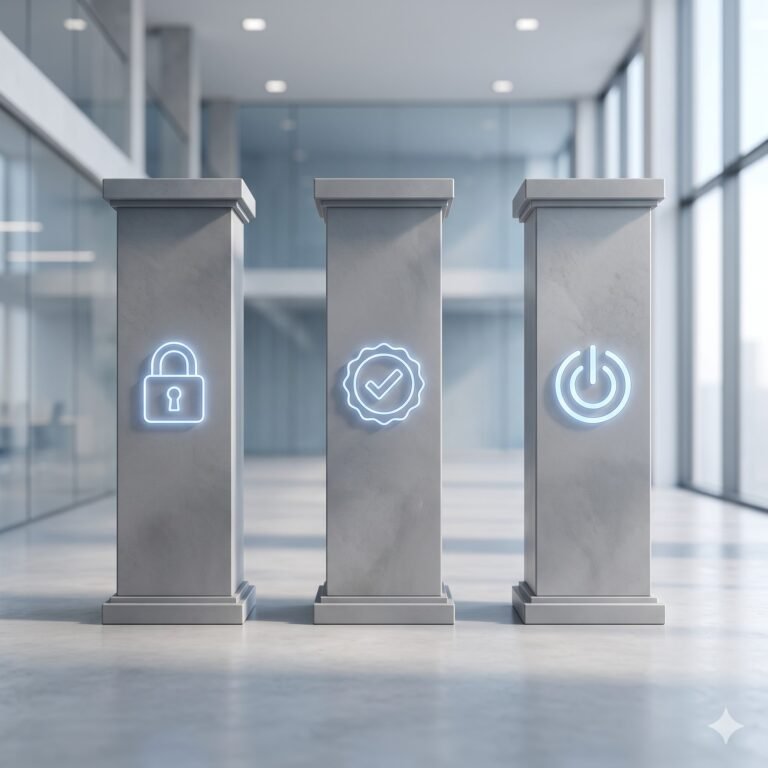
True availability relies on three main operational pillars:
If your business relies on a single internet connection, a single server, or a single cloud provider without a backup plan, your operational continuity relies purely on luck.
Downtime rarely happens at a convenient time. Understanding the common threats helps you secure your network before a minor glitch turns into a costly outage.
A DDoS attack is the digital equivalent of a massive crowd blocking the entrance to a physical store. Cybercriminals use networks of compromised computers (botnets) to flood your website or server with millions of fake traffic requests simultaneously. The server gets overwhelmed trying to process this artificial traffic, runs out of memory, and crashes.
Small businesses often receive basic DDoS protection automatically from their hosting provider or CDN, but verifying that it is enabled is still worthwhile. Without this basic layer active, legitimate customers trying to visit your site or access your services will simply be met with error screens.
Not every threat comes from an outside attacker. Hardware wears out, and systems glitch. If your entire office connects to a single network router and that router breaks, your business goes dark. If your core operational database runs on an old office server with no cloud replication, a simple hard drive failure could wipe out days of work and stop operations for a week. Identifying these “single points of failure” is the first step toward securing availability in cybersecurity.
You do not need an enterprise-grade data center to keep your systems running smoothly. Modern cloud infrastructure allows small businesses to achieve high availability with a few smart configurations.
To ensure your business stays resilient against unexpected downtime, implement these three basic habits today:
Maintaining availability in cybersecurity is one of the three pillars of the CIA triad and serves as the foundation for protecting sensitive information in every modern organization. At the end of the day, digital security is about keeping your business moving forward.
Protecting your data does not just mean locking it away from hackers or keeping it clean from errors; it means ensuring that your digital doors stay open when your team and your clients need them most. By eliminating single points of failure, monitoring your uptime, and leveraging cloud redundancy, you build a resilient business that can survive unexpected disruptions. In the digital economy, staying online means staying trusted.